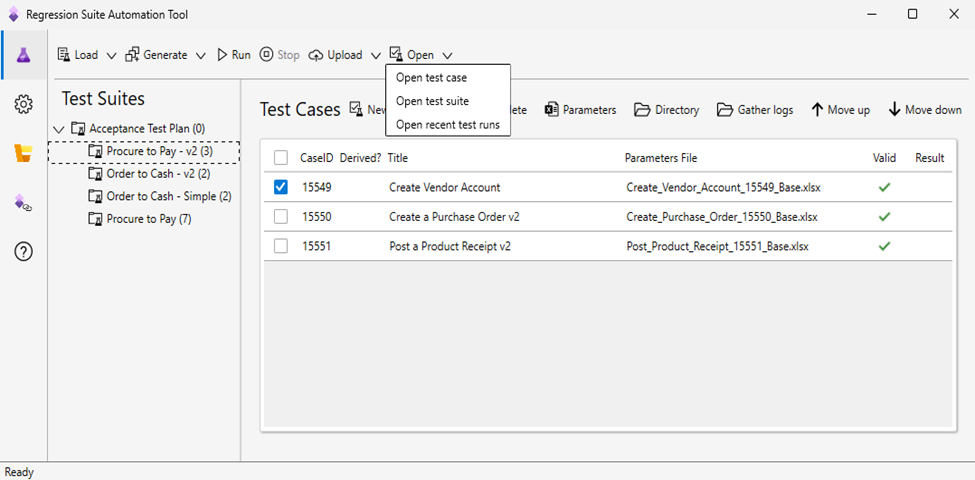
In today’s dynamic deployment cycles, even a minor update in Microsoft Dynamics 365 Finance and Operations (D365 F&O) can lead to unexpected disruptions. Relying solely on manual testing often results in missed regressions, especially in complex, integrated environments. That’s where the Regression Suite Automation Tool (RSAT) steps in as a purpose-built Microsoft solution designed to automate regression testing and safeguard business-critical processes.
In this blog, we’ll walk through how to use the RSAT regression suite automation tool effectively- from installation and configuration to automated test execution and actionable result analysis.
What is the Regression Suite Automation Tool (RSAT)?
The Regression Suite Automation Tool (RSAT) is a Windows-based application from Microsoft that enables functional users to automate the testing of business processes in Dynamics 365 Finance and Operations – without requiring deep development skills. It works by recording task flows using Task Recorder, parameterizing test data in Excel, and executing tests across environments with minimal effort.
If you’re wondering “what is regression suite automation tool in the context of enterprise-grade testing?” think of it as your automated assurance layer during upgrades, hotfixes, or continuous deployments.
The Microsoft regression suite automation tool is tightly integrated with:
- Azure DevOps for test case management and execution tracking
- Lifecycle Services (LCS) for environmental orchestration and BPM library sync
- Excel for parameterizing data inputs
End-to-end testing flow with RSAT
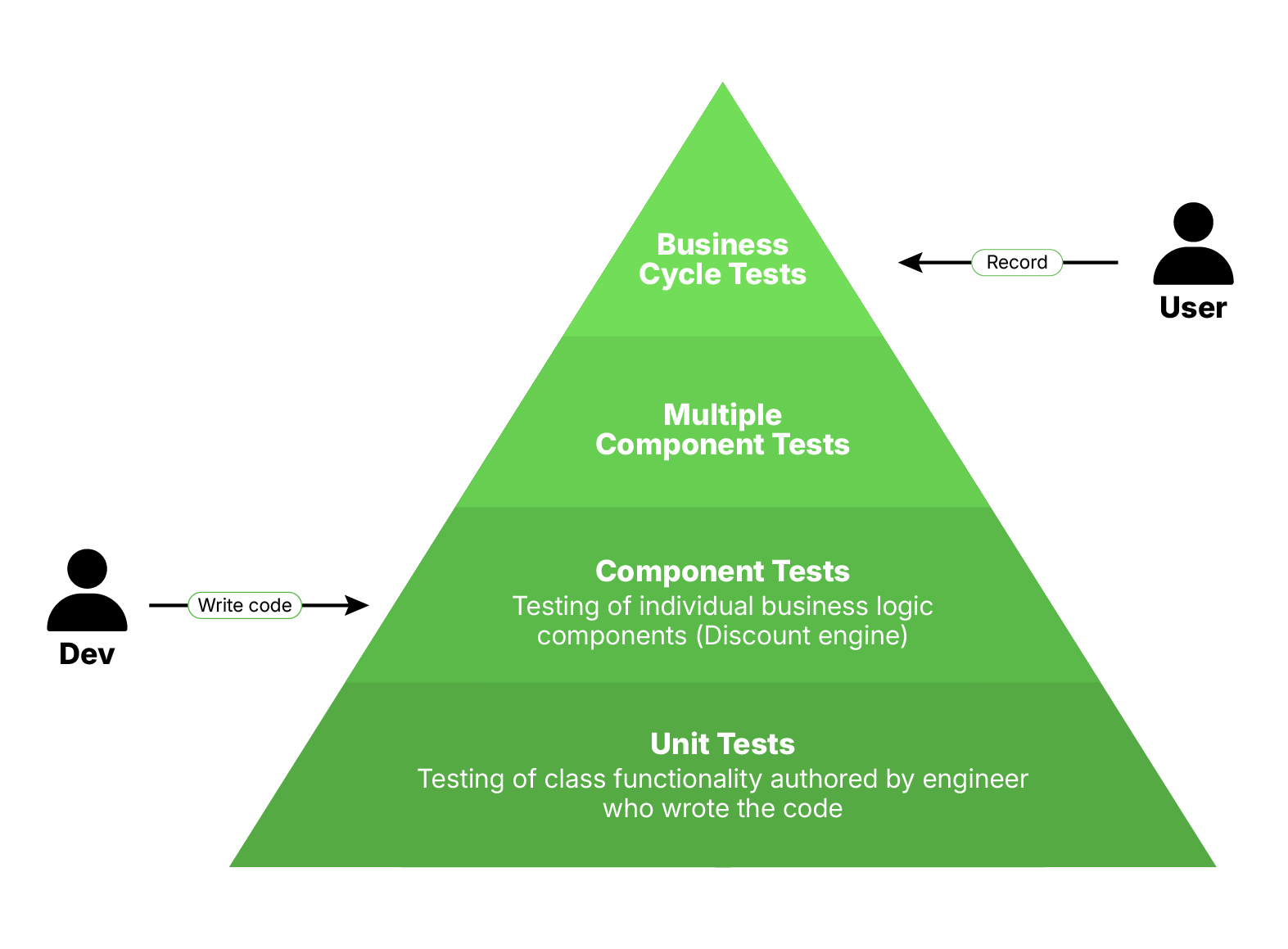
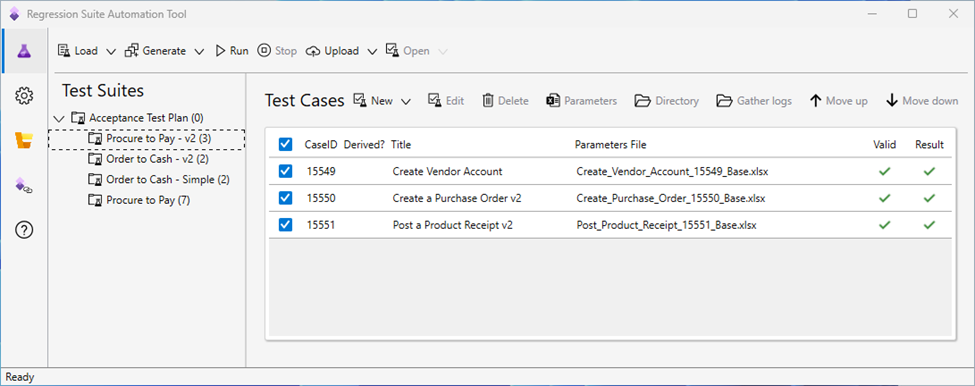
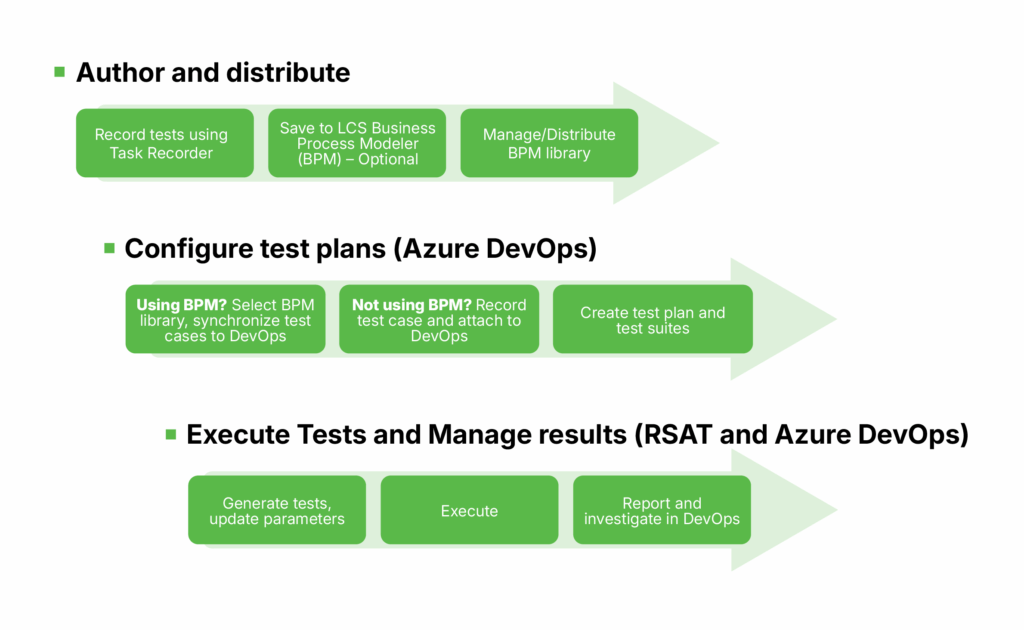
The Regression Suite Automation Tool (RSAT) plays a central role in the end-to-end test automation process for Dynamics 365 Finance & Operations (D365 F&O). Together with Microsoft Dynamics Lifecycle Services (LCS) and Azure DevOps, RSAT enables a fully integrated framework for:
- Authoring test cases using Task Recorder
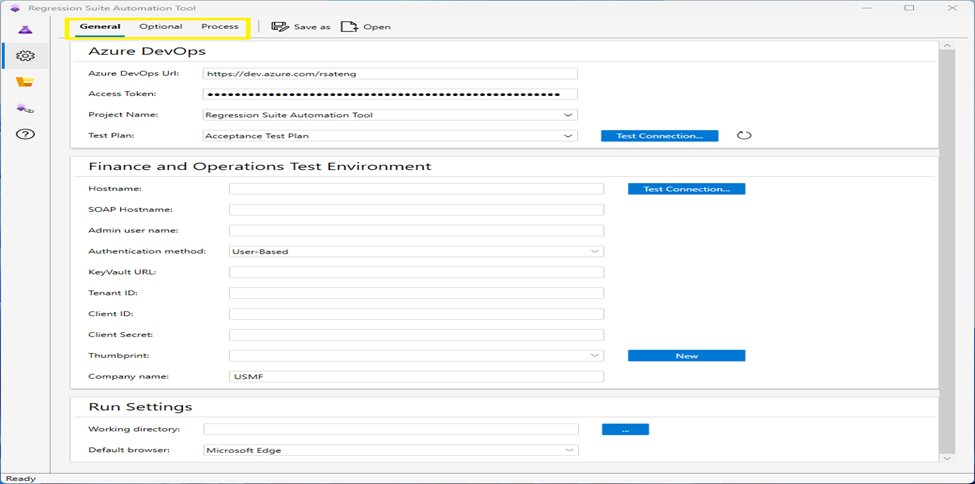
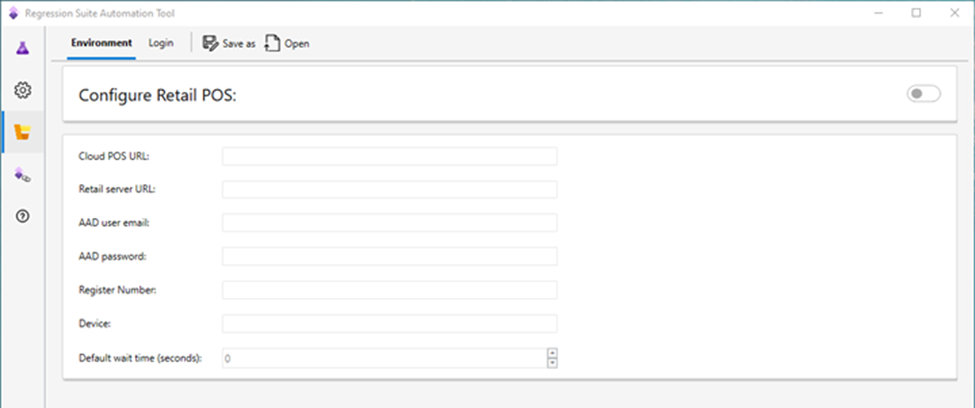
- Configuring and managing test scenarios
- Executing automated tests
- Investigating failures
- Reporting and tracking results
This toolchain ensures that each step of the testing lifecycle, from creation to analysis, is streamlined and centrally managed.
Using RSAT for testing in Dynamics 365 F&O
Before starting your RSAT configuration, ensure that all foundational components are in place. A proper setup is essential for a smooth and error-free regression suite automation tool installation and configuration process:
- Access to a D365 F&O test environment – A dedicated instance where test cases can run without interfering with live data.
- Active Azure DevOps organization and project – RSAT pulls test plans, test suites, and cases directly from Azure DevOps.
- Configured Lifecycle Services (LCS) project – Required to link your environment, manage BPM libraries, and enable integration with RSAT.
- Installation permissions on a Windows machine – RSAT is a Windows-based application and must be installed locally with appropriate administrative access.
- Personal Access Token (PAT) – Used to authenticate and establish secure communication between RSAT and Azure DevOps.
Ensuring these prerequisites are fulfilled allows for a stable and efficient deployment of the Microsoft regression suite automation tool in your testing environment.
Why use RSAT for Dynamics 365 F&O testing: Key benefits
The RSAT regression suite automation tool brings a structured and scalable approach to automated testing within Microsoft Dynamics 365 Finance and Operations. Here’s how it enhances your testing strategy:
- Automates repetitive test cases – Minimizes manual effort by executing test scenarios automatically across business processes.
- Delivers consistent and reliable results – Uses parameterized Excel files to ensure tests behave identically in every run.
- Scales with your enterprise needs – Supports wide test coverage across companies, legal entities, and modules in D365 F&O.
- Integrates with Azure DevOps – Enables continuous validation through pipelines and supports agile development and DevOps practices.
- Accelerates issue detection and resolution – Provides fast feedback with detailed logs, screenshots, and execution reports.
Read more: A step-by-step guide to configure RSAT for Dynamics 365 Finance & Operations.
These capabilities make RSAT testing a vital part of any modern D365 F&O implementation or upgrade, helping teams maintain quality, reduce risk, and confidently deploy new features.